
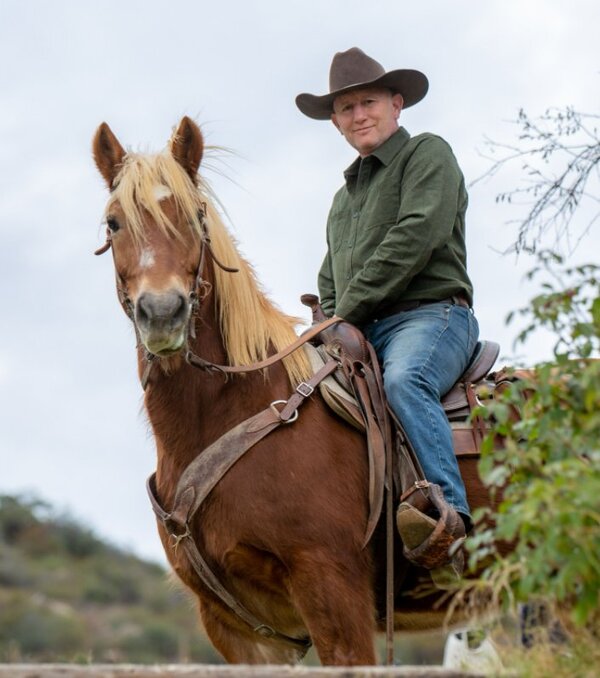
Horseman First. Engineer Second.
I had my first lesson at four years old at a small poney-club in Normandy, France. Fifty-five years later, I still do the morning feed.
I've started colts, gentled a wild Bureau of Land Management mustang, competed in hunter/jumper, and spent the last twenty-five years in western horsemanship — training horses and teaching riders using natural methods. Horses have never not been part of my life.
I also spent thirty-five years building software systems for companies ranging from startups to multinational medical device manufacturers. And honestly? Every line of code I ever wrote was really just funding my horse habit.
But here's what connected the two worlds:
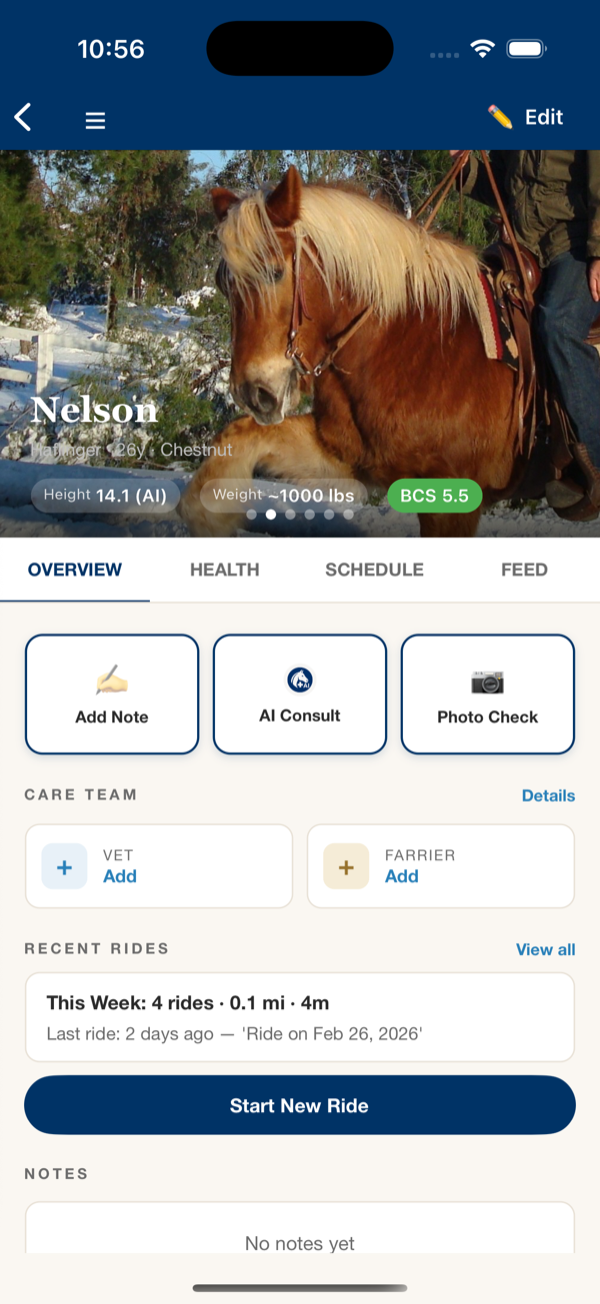
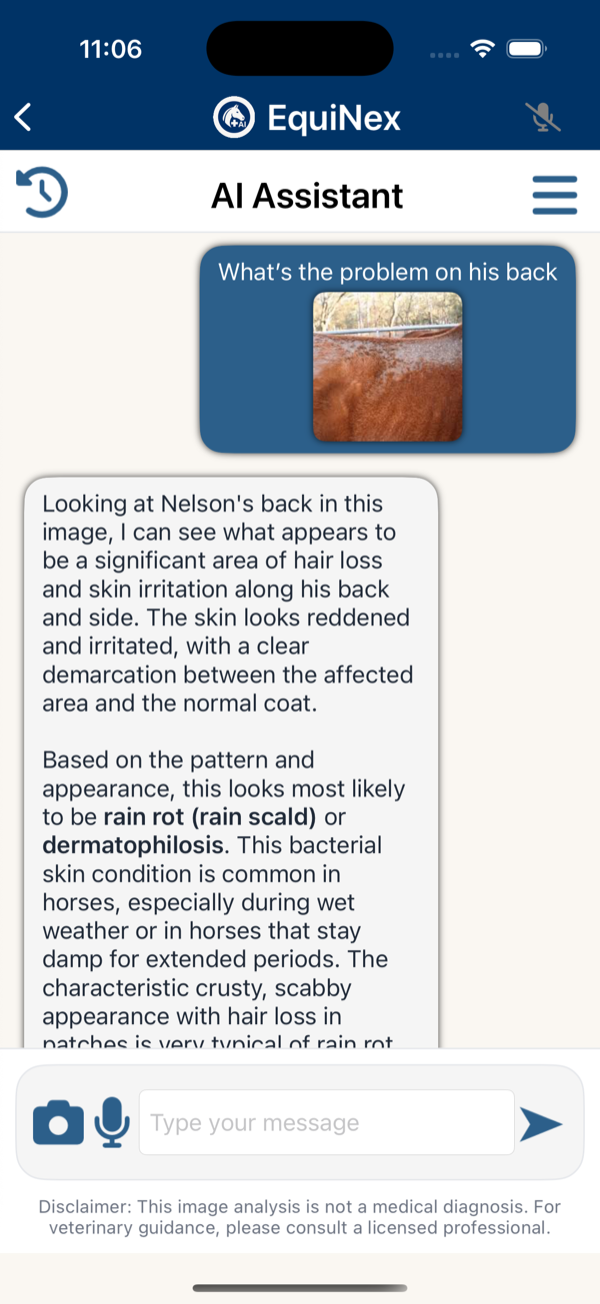
As a trainer and instructor, I'm the person people call before the vet. "Nelson's not eating right — should I worry?" "There's some swelling on the left front — what do you think?" I answer because I can, and because I've been in their shoes more times than I can count. My 26-year-old Haflinger, Nelson, has given me plenty of practice.
But even with five decades of experience, I still hit moments where I need help — and the options aren't great. You can spend hours on Google, pay hundreds for a vet visit that might not have been necessary, or ask strangers on Facebook and hope for the best.
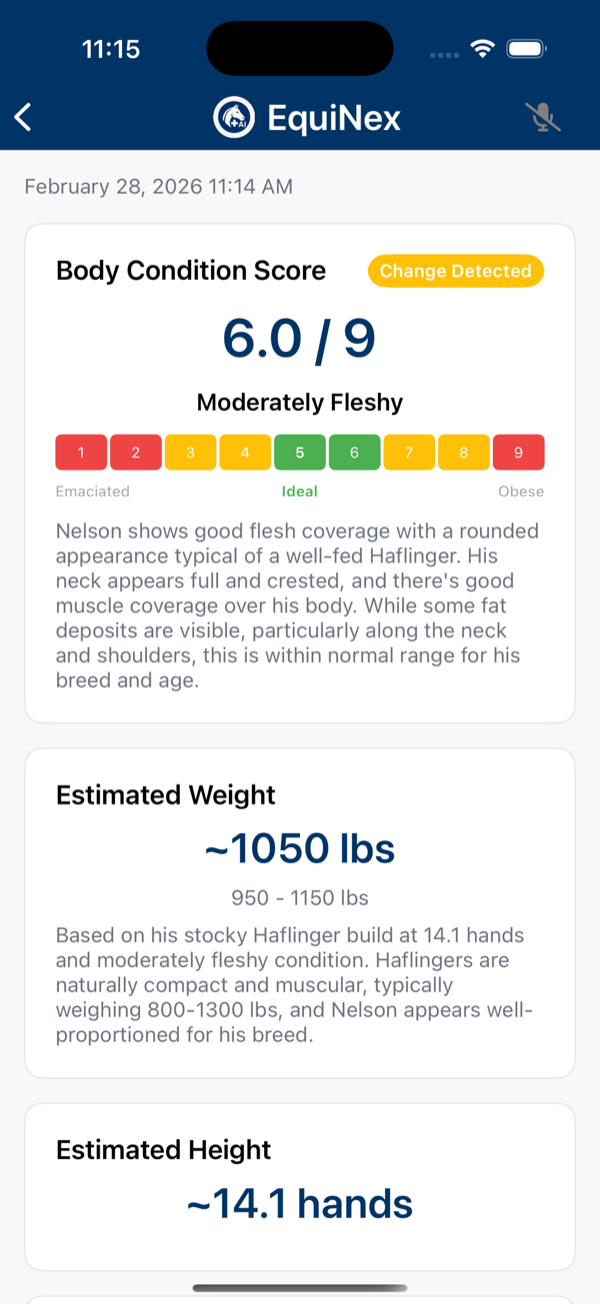
I kept thinking: if AI can read an MRI and catch what a doctor might miss, why can't it look at a photo of a swollen fetlock and tell me whether I need to call the vet tonight or ice it and watch?
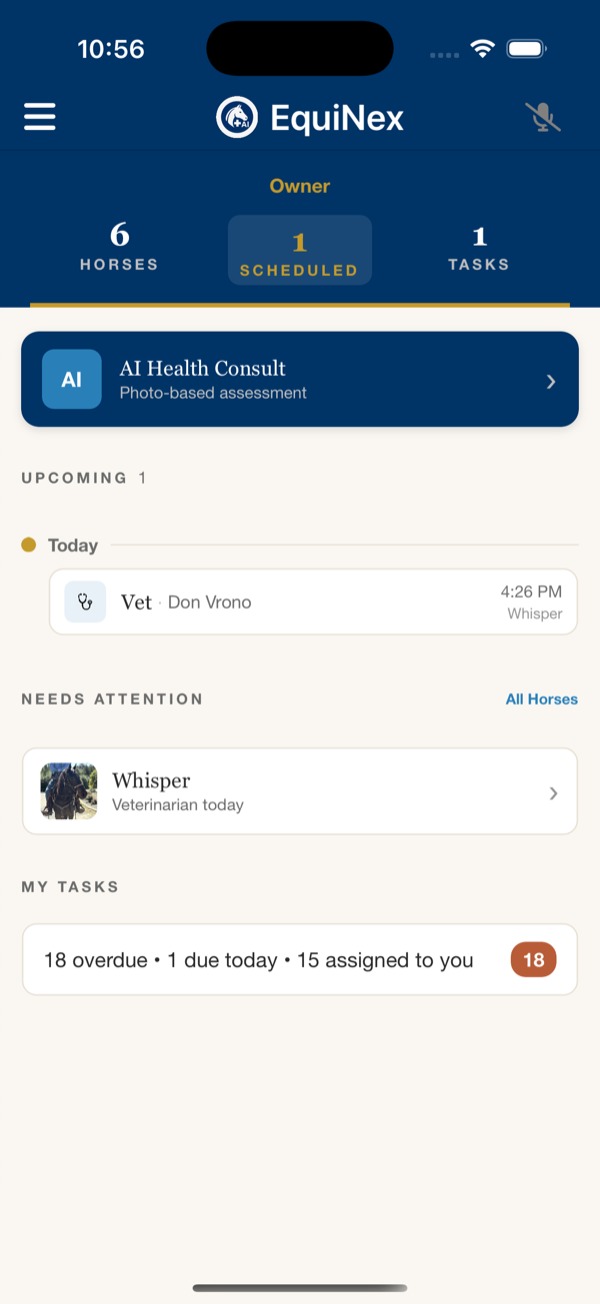
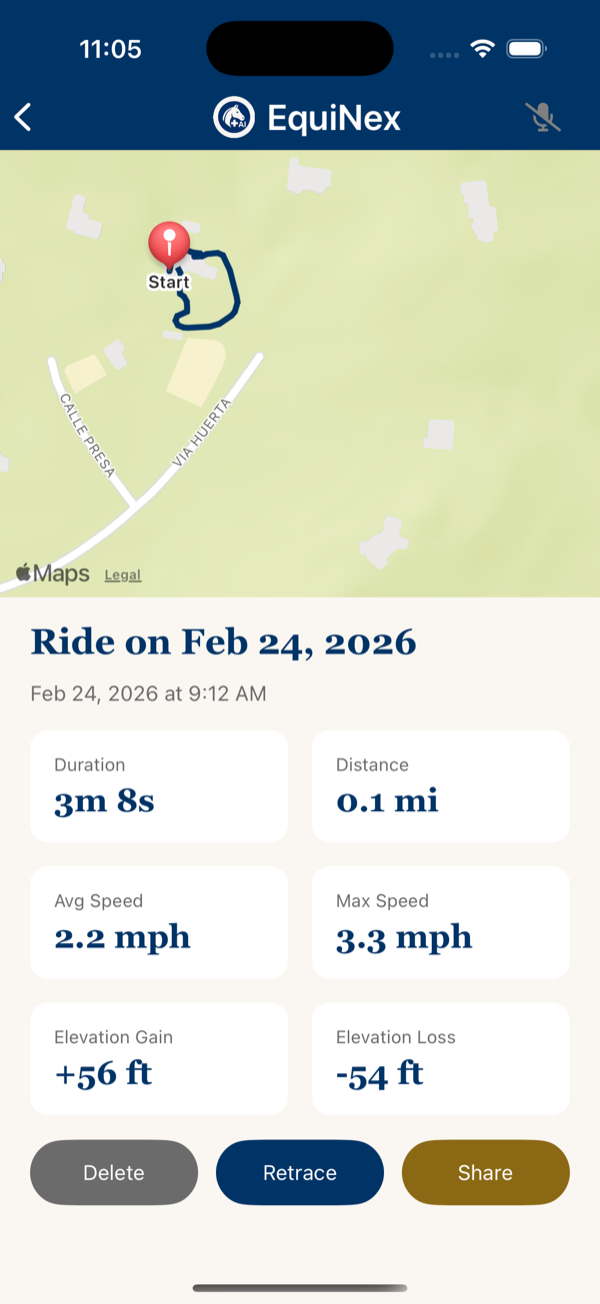
That's why I built EquiNex. Not as a replacement for professional care — but as the knowledgeable friend every horse owner deserves to have in their pocket.