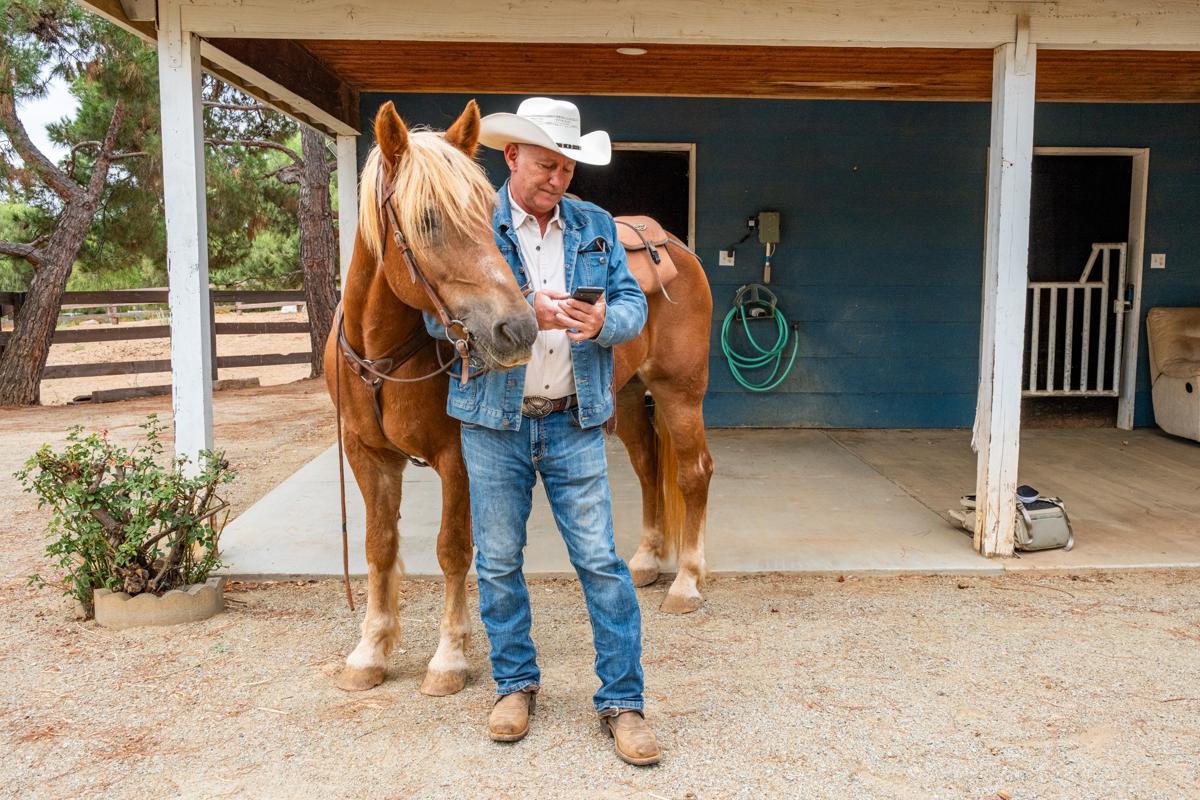
You pull into the barn, catch your horse, groom, tack up and ride out. Forty minutes later, somewhere on the trail, you realize the app on your phone never started. No track, no ride time, and no fall alert if something went wrong, because EquiNex only watches for falls while a ride is being tracked.
EquiNex can remind you to start the ride when you get to the barn. To do that, it needs the always location permission: "Always" on an iPhone, "Allow all the time" on Android. And that word makes most people stop. "Always" sounds like an app that follows you everywhere, all day, and reports back.
It doesn't work that way, on any phone. Here is what the setting really means, what your phone does with it, and what EquiNex does with it, in plain words.
What the always location permission actually means
Your phone gives each app one of a few location choices. The two that matter here are While Using the App and Always (on Android, Allow only while using the app and Allow all the time).
While Using covers the app once you've opened it, even after you lock the screen or switch to another app. That's why a ride keeps recording with the screen off. The iPhone shows a blue location pill while that happens, and Android shows a notification.
Always adds one thing: the phone may wake the app when it isn't running at all, and let it ask where you are. That can only happen in a few ways:
- On a schedule. Android lets an app run a check every so often, at most every 15 minutes. An iPhone has no such timer.
- When you've moved a fair distance. An iPhone can wake an app after you've moved roughly 500 meters.
- When you cross the edge of a small area the app picked in advance, like the barn. This is called a geofence.
- When the app's server sends the phone a silent message asking it to check in.
EquiNex uses only one of these: crossing the edge of a small area. No timer, no "you moved" wake-up, and our server never asks your phone where you are.
Your phone does the watching, not the app
Think of a geofence as the motion-sensor light over the barn door. It isn't filming the yard. It does nothing until someone walks through, then it clicks on.
Here is how it plays out:
- The app hands your phone a short list of circles on the map: "the barn, and a couple of hundred yards around it."
- The phone's own location system keeps an eye on those circles, using the cell towers, Wi-Fi and GPS it already uses for everything else. The app stays asleep and receives nothing.
- Only when you cross the edge of one of those circles does the phone wake the app, briefly, to say "they just arrived" or "they just left". On an iPhone that wake lasts well under a minute.
The phone also limits how many circles an app may set: 20 on an iPhone, 100 on Android. This is ordinary, built-in phone technology; Apple and Google both document it for app makers (links at the end).
Your phone keeps you in the loop
An iPhone shows a location arrow in the status bar or Control Center when an app uses your location. From time to time it also reminds you that an app has used your location in the background, shows where on a map, and asks whether to keep allowing it. On either phone, you can see and change every app's location setting at any time in Settings.
What EquiNex does with it
Everything below is what the app does today. If this ever changes, we'll update this page.
- It learns the places you ride from. From the rides you record, EquiNex works out where you usually start: your barn, a friend's place, a trailhead you go back to. A place you rode from once is not watched. You can see the list in the app under Settings, Ride start reminders.
- It asks your phone to watch only those places, plus the first stretch of the trail you usually ride out on. Nothing else: not your work, not the feed store, not anywhere else you go.
- When you arrive or leave, it takes a quick look. The phone wakes EquiNex, and the app records about 20 seconds of GPS and motion to tell a rider walking a horse from a car driving past. If it looks like you're riding and no ride is running, it reminds you to start one.
- It never starts a ride on its own. It reminds you. You press Start. Fall detection only works while a ride is being tracked.
- It stays quiet at night. Nothing is recorded in the evening or overnight, and nothing is recorded while you're already tracking a ride.
- The short sample is only sent if you agreed. If you turned on Sensor Data in Settings (sharing sensor data to improve fall detection), that 20-second sample is sent to EquiNex so we can get better at recognizing rides. If you didn't, nothing is recorded.
And what it doesn't do: EquiNex has no map of your day. Nobody at EquiNex can look up where you are right now. Your live location leaves your phone only during a ride you started: in a live tracking link you chose to share, and in an alert to your emergency contact.
How to turn it on, and off
Here is where the always location permission lives on each phone.
iPhone: open the Settings app, scroll down to EquiNex, tap Location, then choose Always.
Android: open Settings, then Apps, EquiNex, Permissions, Location, and choose Allow all the time. Menu names vary a little between phone brands.
Changed your mind? In EquiNex, go to Settings, Ride start reminders, and turn off "Remind me when I arrive". That stops the watching. Or set the phone permission back to While Using the App. Ride tracking works either way; you just won't get the reminder at the barn.
Why it's worth a minute
Most riders don't skip tracking on purpose. They get busy: a horse that won't stand for the farrier, a friend who's ready to go, a cinch that needs one more hole. The ride you forget to start is usually an ordinary one, and that's exactly when nobody expects anything to go wrong.
A reminder at the gate costs you nothing but a tap. Knowing what "Always" really means should make that tap an easy one.
Official sources
- Apple: Turn Location Services and GPS on or off on your iPhone (what While Using and Always mean)
- Apple: About privacy and Location Services (the location arrow and background-use reminders)
- Google: Manage location permissions for apps (Allow all the time, and how to change it)
- Apple Developer: Monitoring the user's proximity to geographic regions (how geofences work on iPhone)
- Android Developers: Create and monitor geofences (how geofences work on Android)